

Repair Services – Your Local Family-Owned Business.
⭐⭐⭐⭐⭐
Start Your Repair Service – Choose Your Repairs, All Repairs Available In-Store Only
Repair Service
Computer and Mobile Repair LLC
All repair services are performed in-store only at Computer and Mobile Repair LLC. Walk-ins are welcome during business hours.
Choose Your Repair:
📱 Phone & Tablet Screen Replacement
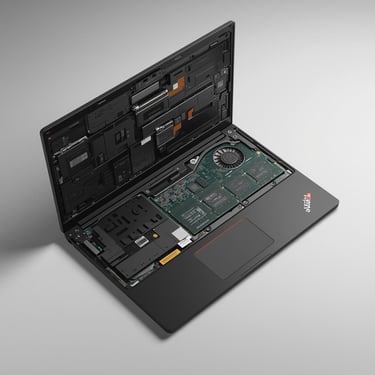
💻 Laptop & MacBook Repair
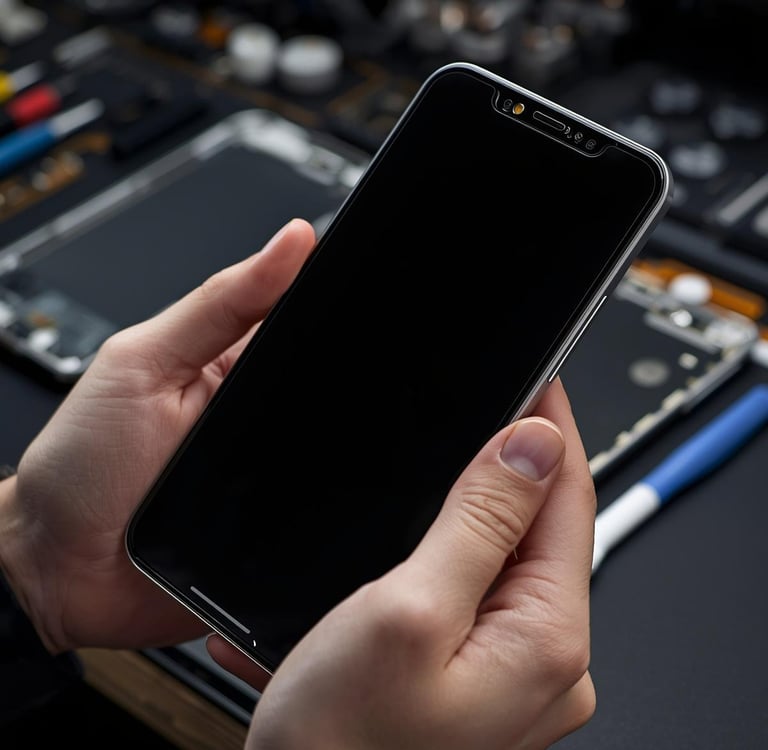
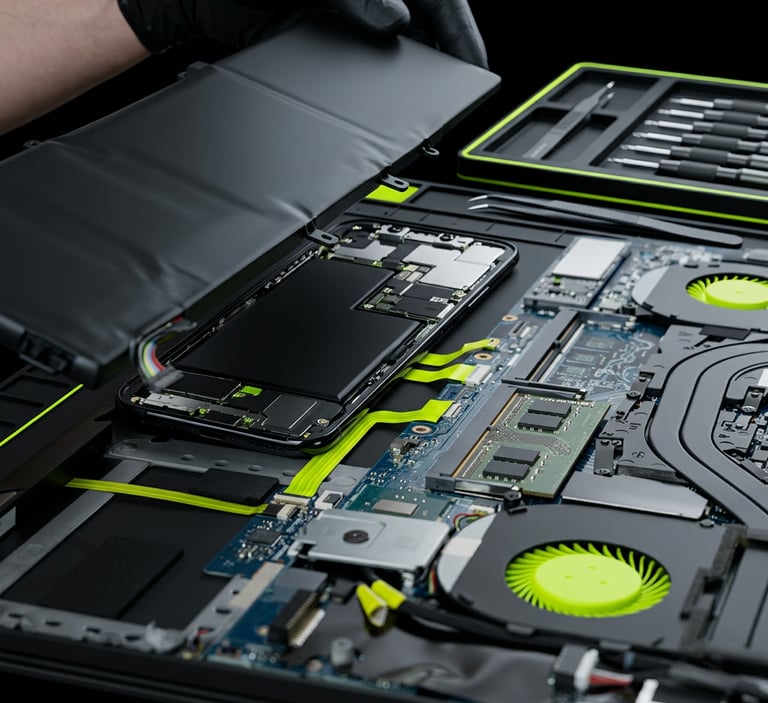
🔋 Battery Swelling Replacement
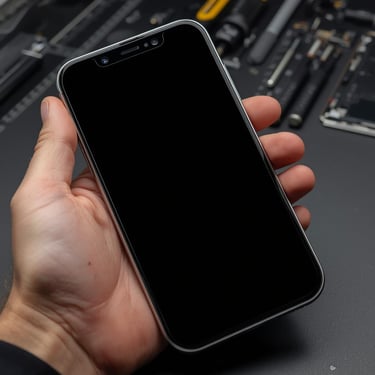
🧠 Data Recovery & Software Fix
🖥️ Custom PC Builds & Upgrades
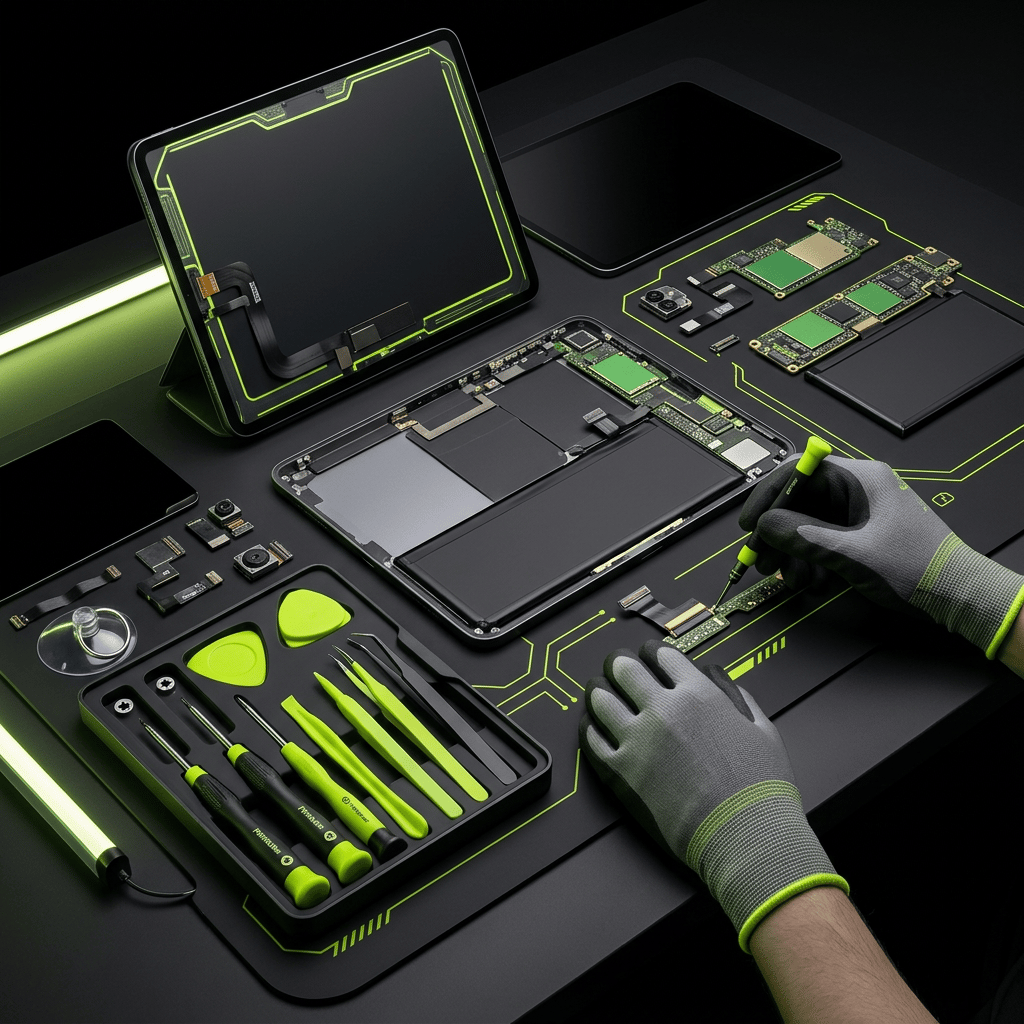
Top rated by 100+ clients
★★★★★
Water Damage , Guide for Any Device or Phone
Power Off: Turn the device off immediately to prevent short circuits.
Remove Case & SIM: Remove the case and eject the SIM card tray (and any SD card) to allow airflow and prevent moisture from becoming trapped.
Dab Dry: Gently pat the device with a lint-free cloth or paper towel—avoid rubbing, which can push water deeper into the device.
Position for Drainage: Lay the device on its side with the charging port facing down to allow gravity to drain water.
Drying (The 24–48 Hour Wait):
Best Method: Place the device in a sealed bag with several silica gel packets (the small moisture absorbers found in new products) for 24–48 hours.
Alternative: If silica gel isn’t available, use a fan in a cool, dry room to circulate air. Avoid direct sunlight or heat sources.
Avoid Rice: Whether it’s an iPhone, Samsung, or any other brand, experts recommend against using rice—it’s less effective and can leave starch or dust inside ports.
Need Professional Help?
Services Offered
iPhone Water Damage Repair – Cleaning, drying, and component restoration for all iPhone models.
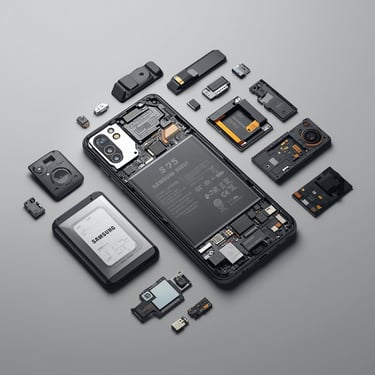
Samsung Water Damage Repair – Full inspection and repair for Galaxy and Note series devices.
MacBook Water Damage Repair – Logic board cleaning, corrosion removal, and part replacement.
Laptop Water Damage Repair – Service for Dell, HP, Lenovo, Acer, ASUS, and other brands.
Data Recovery – Retrieval of important files from water-damaged devices.
Full Diagnostics – Identifies short circuits, corrosion, and damaged components.

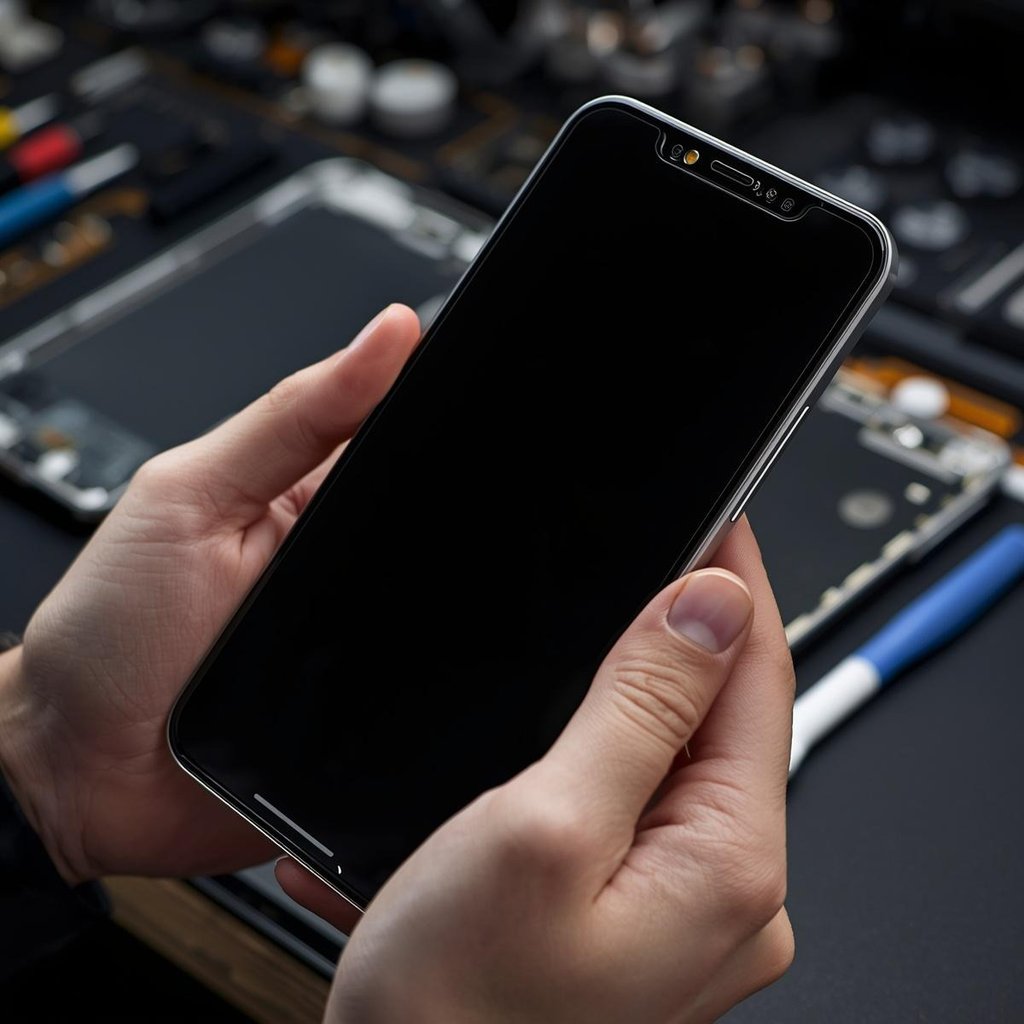
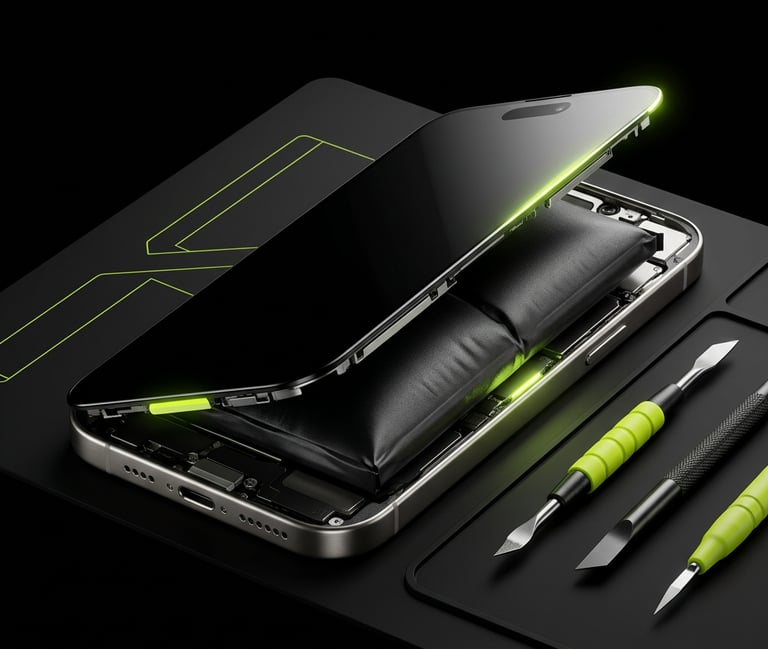
Battery Swelling Repair, All Devices.
Computer and Mobile Repair LLC provides expert battery swelling inspection and replacement for all major devices, including phones, tablets, laptops, and MacBooks. Swollen batteries can pose serious safety risks and should be handled only by professionals.
Causes of Battery Swelling:
Heat & Overcharging: High temperatures or leaving devices plugged in constantly can cause internal pressure to build up.
Age & Damage: Normal wear and tear, as well as physical damage over time, can lead to chemical breakdown within the battery.
Cheap Accessories: Using non-certified or low-quality chargers can cause unstable charging and stress on the battery.
Safety Precautions:
Stop Using Immediately: If a device shows signs of swelling (display lifting, case separating), power it off and do not charge it.
Do Not Puncture: Never attempt to puncture, bend, or press on a swollen battery. This can cause fire or explosion.
Professional Replacement: Always bring the device to a qualified technician for safe removal and replacement.
Professional Service:
Computer and Mobile Repair LLC safely replaces swollen batteries using certified parts and proper disposal methods. Same-day service is available when parts are in stock.
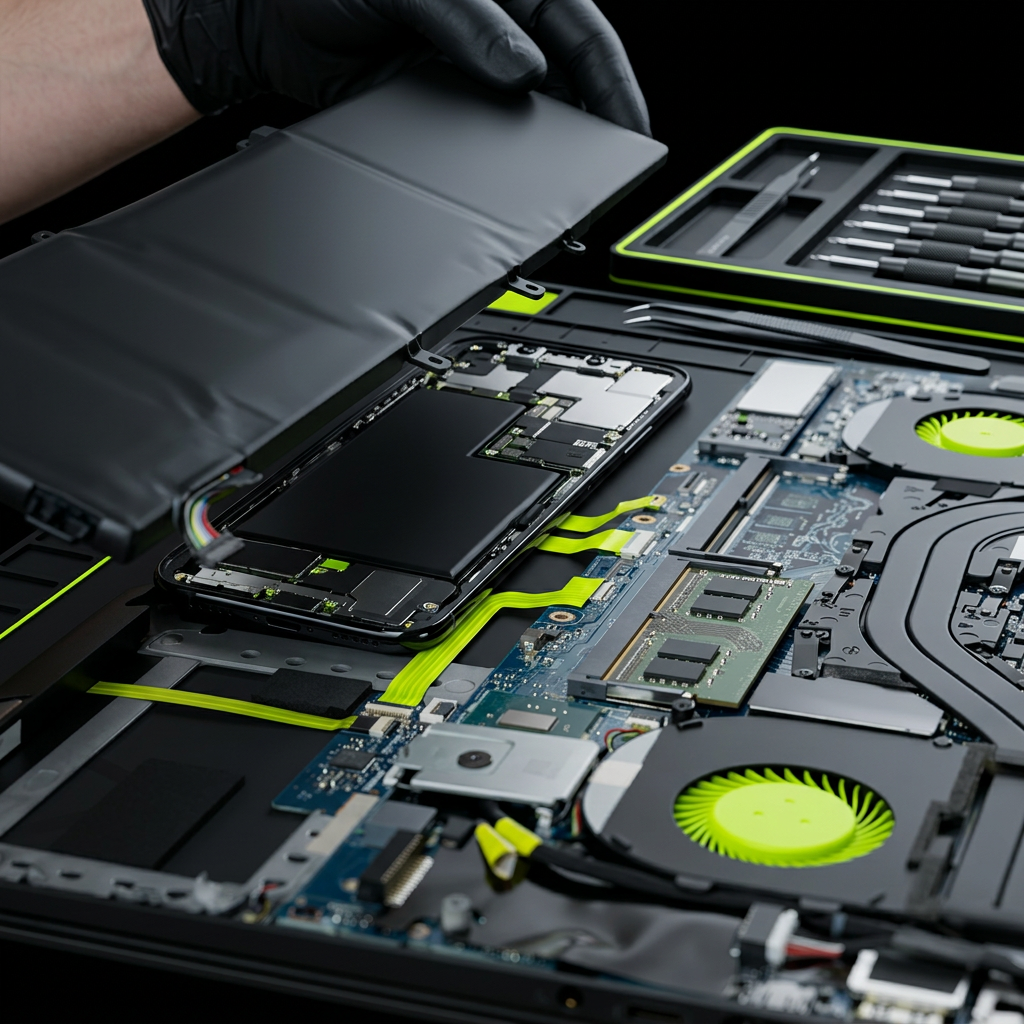


What Is Wrong With My Device?
Computer and Mobile Repair LLC in Madison, TN, offers free basic diagnostics to find out what’s wrong with any phone, tablet, or computer.
Common Issues:
Cracked or unresponsive screen
Battery not charging or draining fast
Slow performance or software errors
No sound, camera, or signal
Water or liquid damage


My Device Is Stuck on the Logo
Is your device stuck on the Apple logo? Don’t worry—Computer Mobile Repair Service can help you get it back up and running quickly. With expert troubleshooting and repair experience, we’ll diagnose the cause and restore your device to full functionality. Whether it’s a software glitch, update failure, or a hardware issue, we’ll handle it efficiently so you can get back to using your device without the stress. Services include:
iPhone boot loop / Apple logo screen repair
iOS software recovery and updates
Battery and hardware replacements
Same-day screen and component repairs
Full diagnostics for all iPhone models
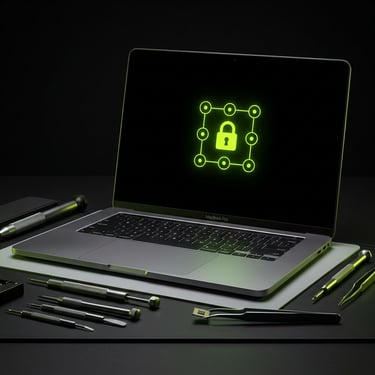
Forgot My PIN to Unlock My Devices?
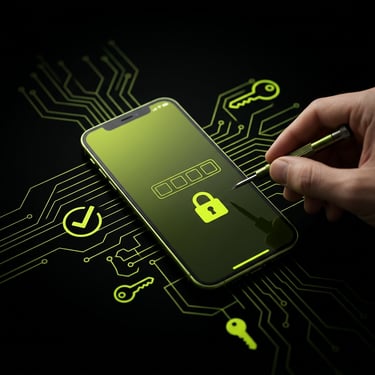
If you forgot your PIN and can’t unlock your device, most PIN‑protected devices—iPhone, Samsung, iPad/tablets, laptops, MacBooks, and many other brands/models—typically require a full erase (factory reset) to regain access. At our family-owned computer repair service, we’ll walk you through the best option for your device and ensure the reset is done correctly, safely, and efficiently. We’ll guide you step by step through the process, including what to do before erasing (when possible), how to complete the reset, and how to avoid common issues like activation/account lockouts. After your device is unlocked and set up again, we can help you restore your data (if you have an iCloud/Google/computer backup), reinstall apps, reconnect email, and get everything running smoothly—so you can get back to normal as quickly as possible.
We also offer the best prices with transparent, upfront quotes—no hidden fees.


iPhone Is Disabled
When your iPhone becomes disabled after too many incorrect passcode attempts. Computer Mobile Repair Service (CMRS109) understands how important your device is to your daily life. That’s why we offer a simple, effective solution—our store can fix it the same day in most cases.
Please note: this process erases all data on the iPhone. If you have an iCloud or computer backup, we can help you restore your information and get your device working like new again. If you need help, contact us today to schedule your appointment online or visit our store for same-day service.

Computer And Mobile Repair LLC
2021 Gallatin Pike N, #108, Madisom, TN 37115
Store: - 615-757-3229 & 615-757-3033
Repairinfo@computerrepairservice2021.com
2026 by CMRS2021
Built With Love And Caffeine By Family Business.